

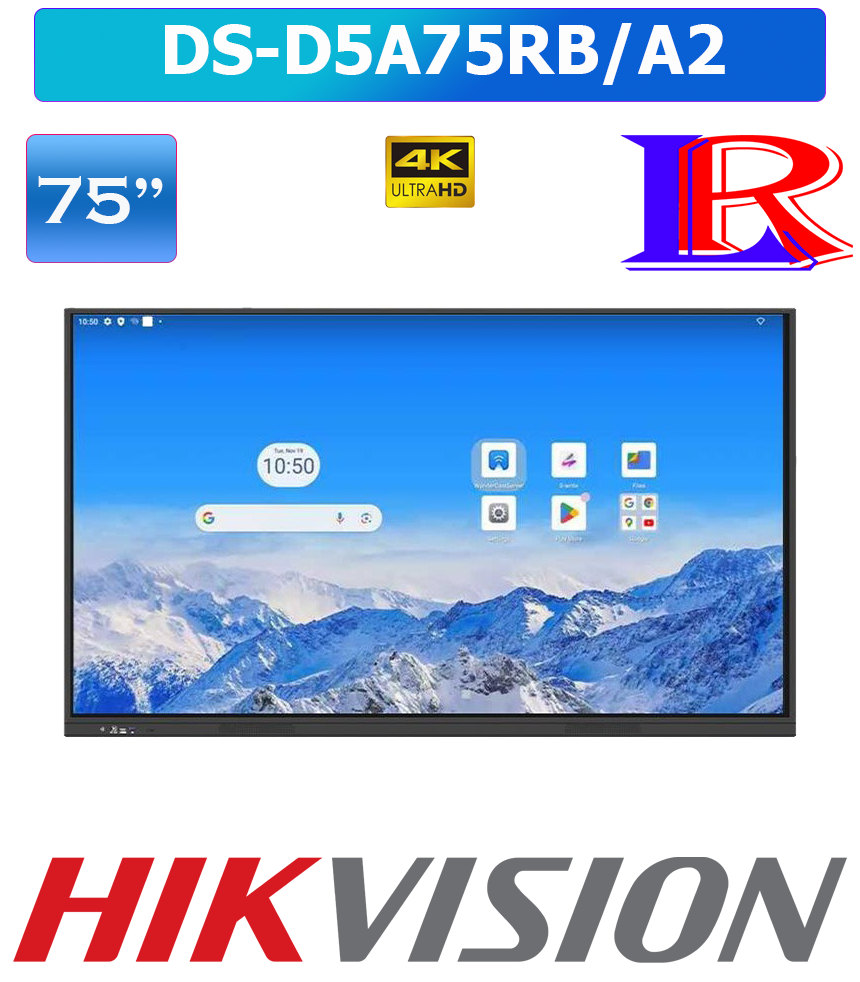
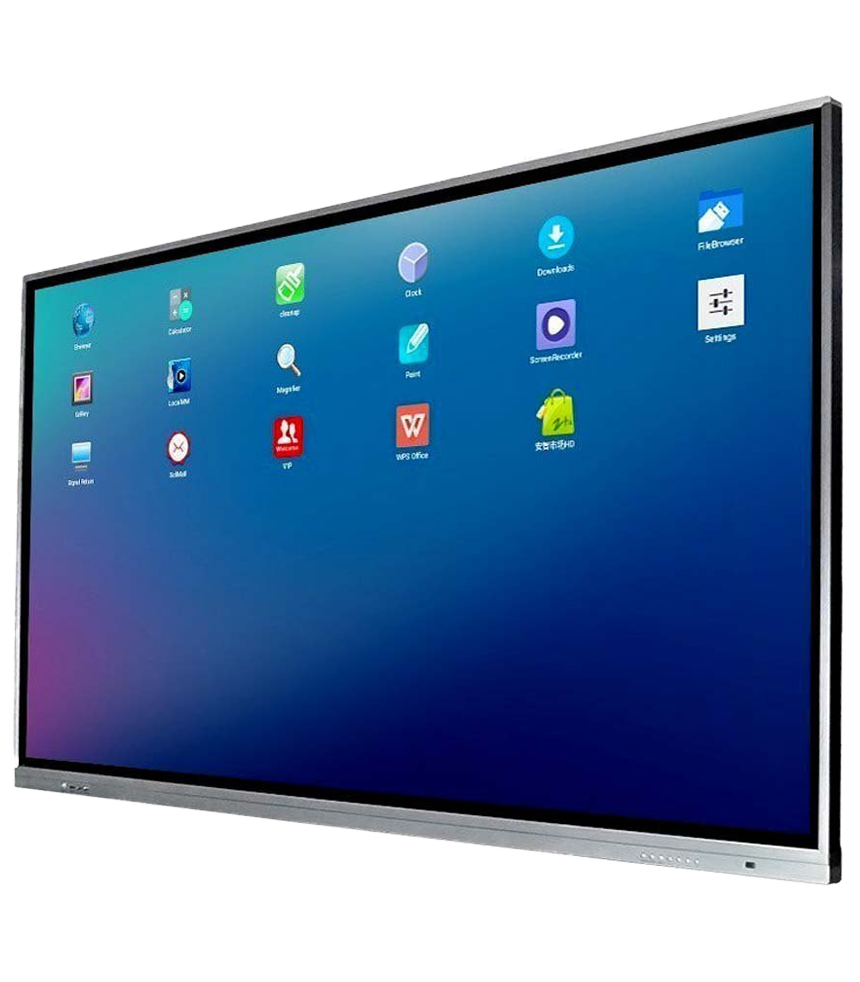
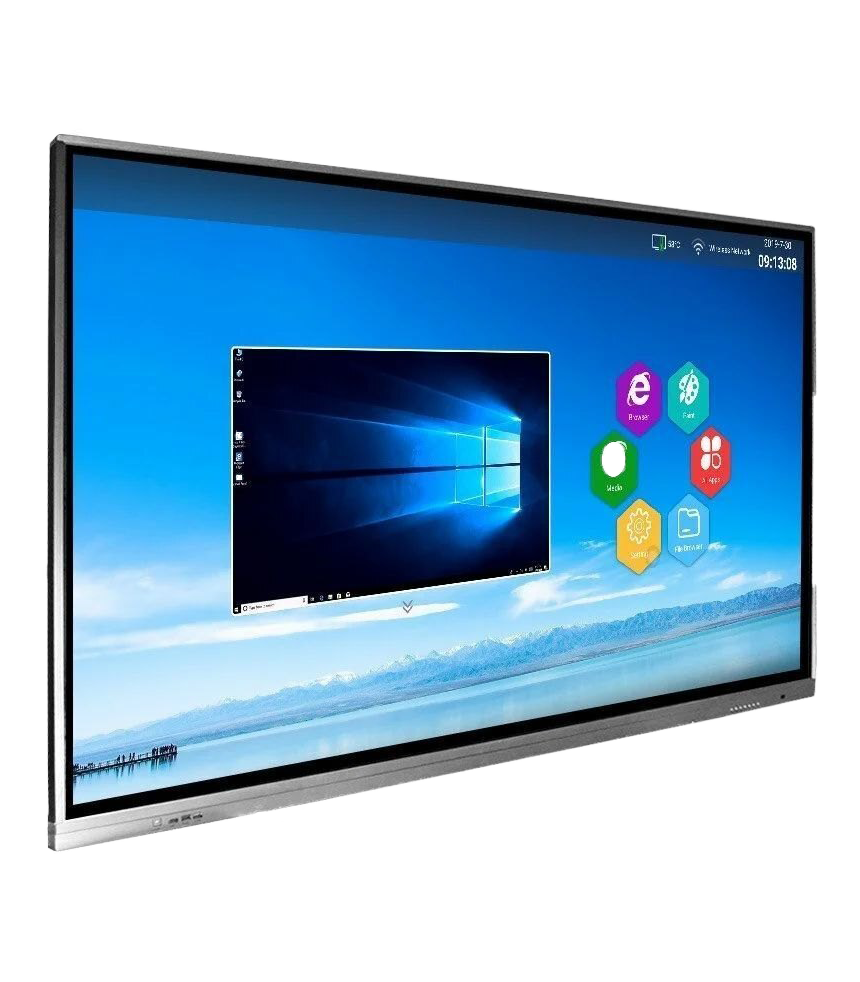
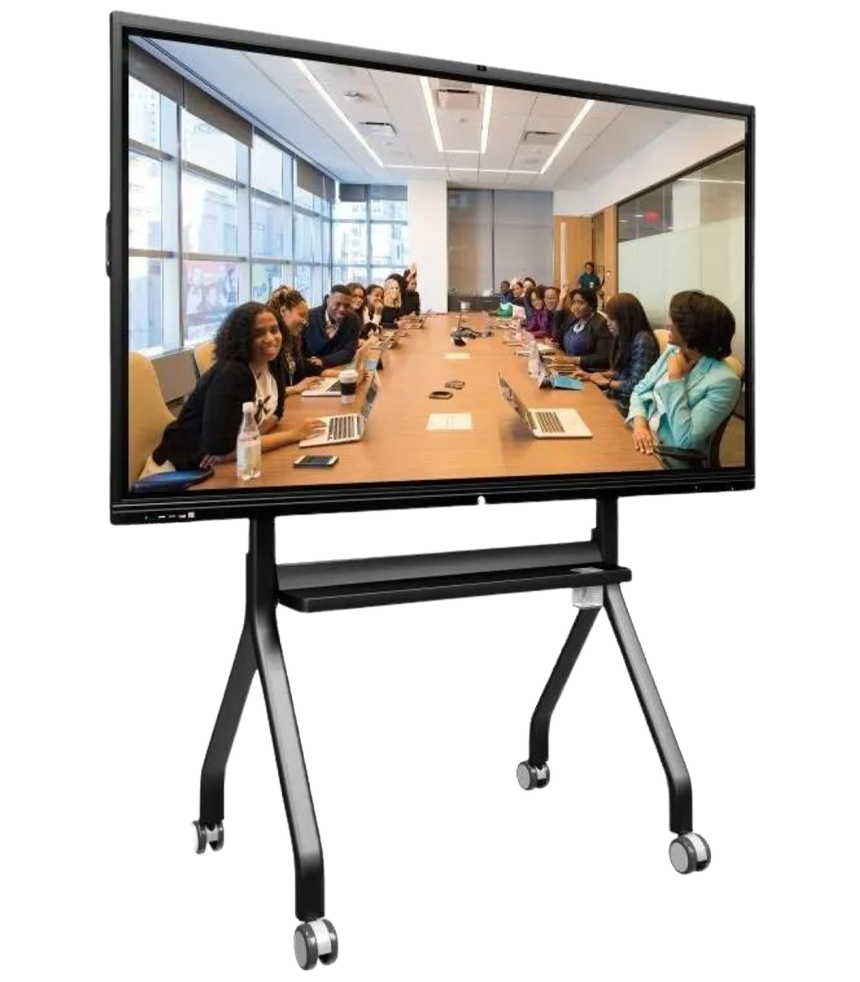


Hikvision 75 inch 4k smart board Android 14 Interactive Display DS-D5A75RB/A2
| Specification | |
| Product Model | |
| Product Model | DS-D5A75RB/A2 |
| General | |
| VESA | 400 mm × 400 mm (4 × M8-25 mm) |
| Accessory | Wall mount bracket, hook, user manual, touch writing pen x 2, packing list, 3 M power cable, remote control. |
| Package Dimensions (W × H × D) | 1860 × 1125 × 185 mm |
| Net Weight | 42.18 kg |
| Gross Weight | 55.22kg |
| Product Dimensions (With Wall Attachment) | 1705× 133.3 × 1015.7 mm |
| Product Dimensions (Without Wall Attachment) | 1705× 98.8 × 1015.7 mm |
| Display | |
| Screen Size | 75 inch |
| Backlight | DLED |
| Pixel Pitch | 0.4296 (H) × 0.4296 (V) mm |
| Resolution | 3840 × 2160 @60 Hz |
| Brightness | 400 cd/m² (Typ.) |
| Color Depth | 10 bit (FRC) |
| Display Color | 1.07 G |
| Response Time | ≤ 8 ms |
| Panel Type | IPS |
| Contrast Ratio | 1200:1 (Static) |
| Color Gamut | 72% NTSC (CIE1931) (Typ.) |
| Refresh Rate | 60 Hz |
| Viewing Angle | 178° (H)/178° (V) |
| Aspect Ratio | 16:9 |
| Surface Hardness | ≤ 9H |
| Surface Glass | Anti-Glare Glass |
| Surface Haze | 3-8% Haze |
| Glass Bonding Method | Zero Lamination |
| Display Area | 1649.66 (H) × 927.94 (V) |
| Working Duration | 7×18 H |
| Transmittance | ≥ 88% |
| Lifespan | 30,000 hours |
| Touch | |
| Type | Infrared Touch Screen |
| Touch Point | Up to 40-point multi-touch |
| Touch Response Time | ≤ 5 ms |
| Minimum Touch Object | ≥ 3 mm |
| Touch Precision | ± 1 mm (90% touching area) |
| Touch Resolution | 32768 × 32768 |
| Built-in System | |
| Operation System | Android 14.0 |
| Memory | 8 GB |
| Built-in Storage | 128 GB |
| Processor | Quad-core Cortex-A73 × 4 (1.5 GHz) |
| GPU | Mali-G52 MC1 |
| HDCP Version | 2.2 & 1.4 |
| Internal Function | |
| Loudspeaker | Built-in 2 × 15 W |
| Bluetooth | Built-in BLE (Bluetooth Low Energy) module supports Bluetooth 5.4 |
| Light Sensor | Yes |
| Interface | |
| Video & Audio Input | HDMI IN× 2(Rear × 2; HDMI 2.1; HDMI1&HDMI2 Support CEC, HDMI1 Support ARC) HDMI IN × 1(Front × 1; HDMI 2.1; Support CEC) AUDIO IN × 1(Rear × 1) |
| Video & audio output | HDMI Out × 1(HDMI 2.1) AUDIO Out × 1(Rear × 1) |
| Control interface | TOUCH-USB × 2(Front × 1, USB 2.0; Rear × 1, USB 2.0) RS232 IN × 1(Rear × 1) |
| Network Interface | LAN (100 Mbps) × 2(Rear × 2) WIFI AP & Station, 2.4G/5G(WIFI6) |
| Data Transmission Interface | USB 2.0 × 2(Front × 1; Rear × 1) USB 3.0 × 1(Rear × 1) Type-C × 2(Rear × 1, charging 15 W, supports DP 1.2; Front × 1, supports USB 2.0) |
| Power | |
| Power Supply | 100 to 240 VAC, 50/60 Hz |
| Standby Consumption | ≤ 0.5 W |
| Average Consumption | < 200 W |
| Working Environment | |
| Working Temperature | 0 °C to 40 °C (32 °F to 104 °F) |
| Working Humidity | 20%~80% RH |
google edla certified interactive display
4k interactive display with android
Hikvision Interactive Flat Panel 75 inch Price
interactive display with android 14
hikvision dsd5a75rba2 75 4k ultra
65 inch smart board vs 75 inch smart board?
A 75-inch smart board is generally better for standard classrooms (up to 30 students) and large, collaborative meeting rooms due to better visibility and more, simultaneous user space. A 65-inch model is ideal for smaller rooms, breakout areas, or one-on-one sessions, offering better portability and a lower price point.
65-Inch Smart Board Key Takeaways:
- Best Use: Small classrooms, Huddle spaces, Training rooms.
- Pros: Lower cost, easier to install and move, intimate for small groups.
- Cons: Content may be hard to read from the back of large rooms.
75-Inch Smart Board Key Takeaways:
- Best Use: Standard K-12 classrooms, Large meeting rooms.
- Pros: Superior visibility, more screen real estate for multiple users simultaneously.
- Cons: Higher initial cost, requires larger wall space.


There are no reviews yet.