


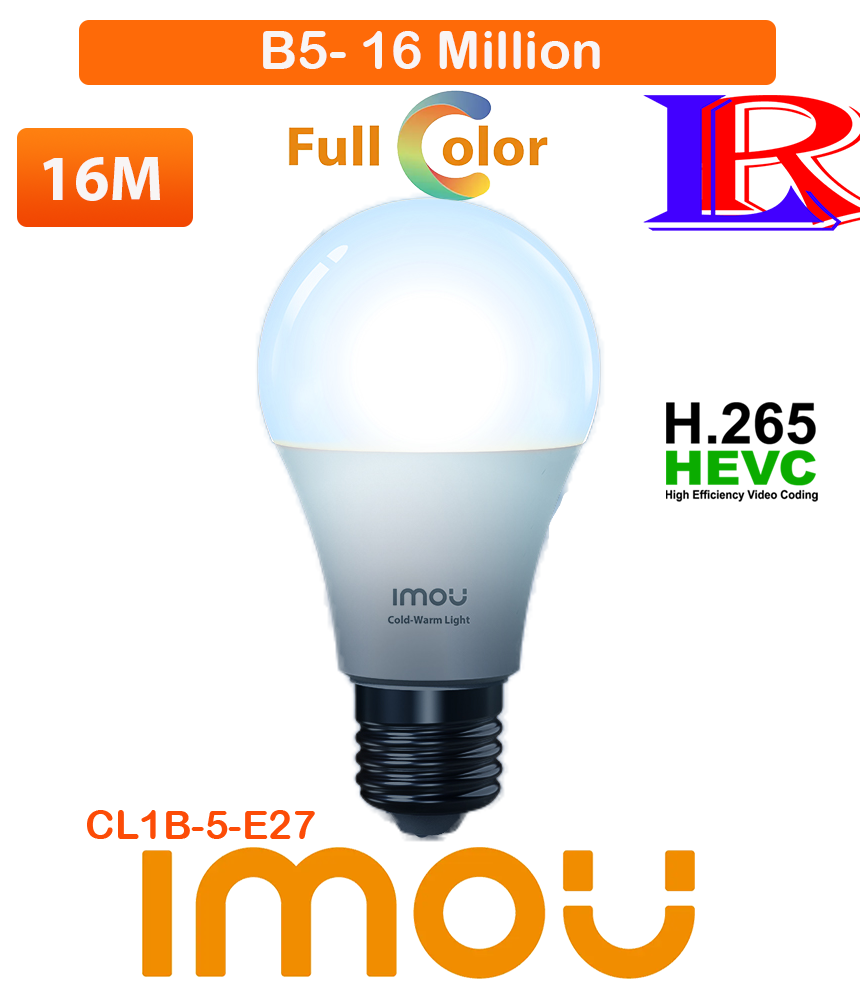
Imou Multicolor Smart Light Bulb Remote Control Wi-Fi Color Changing Led Bulbs B5
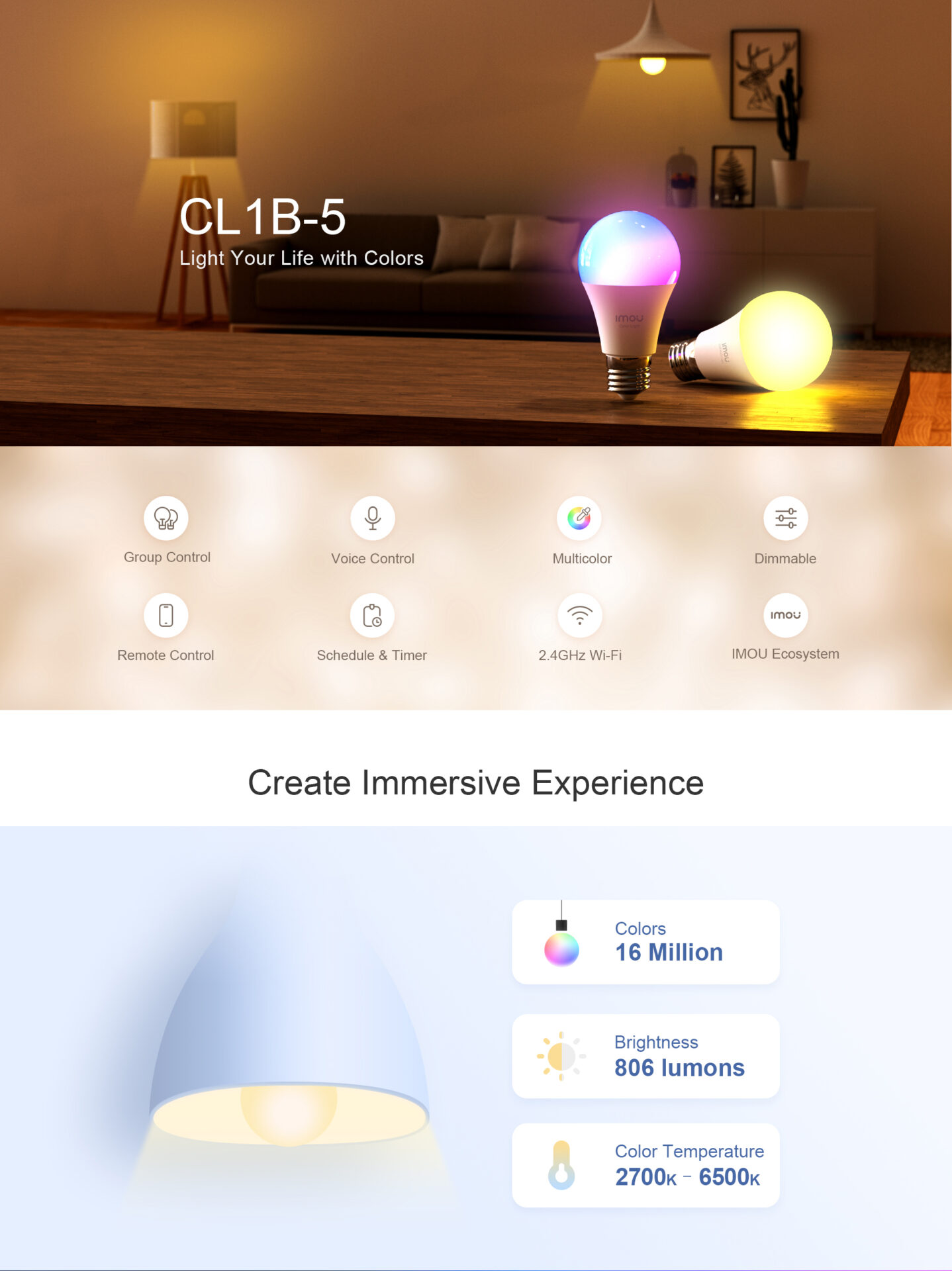
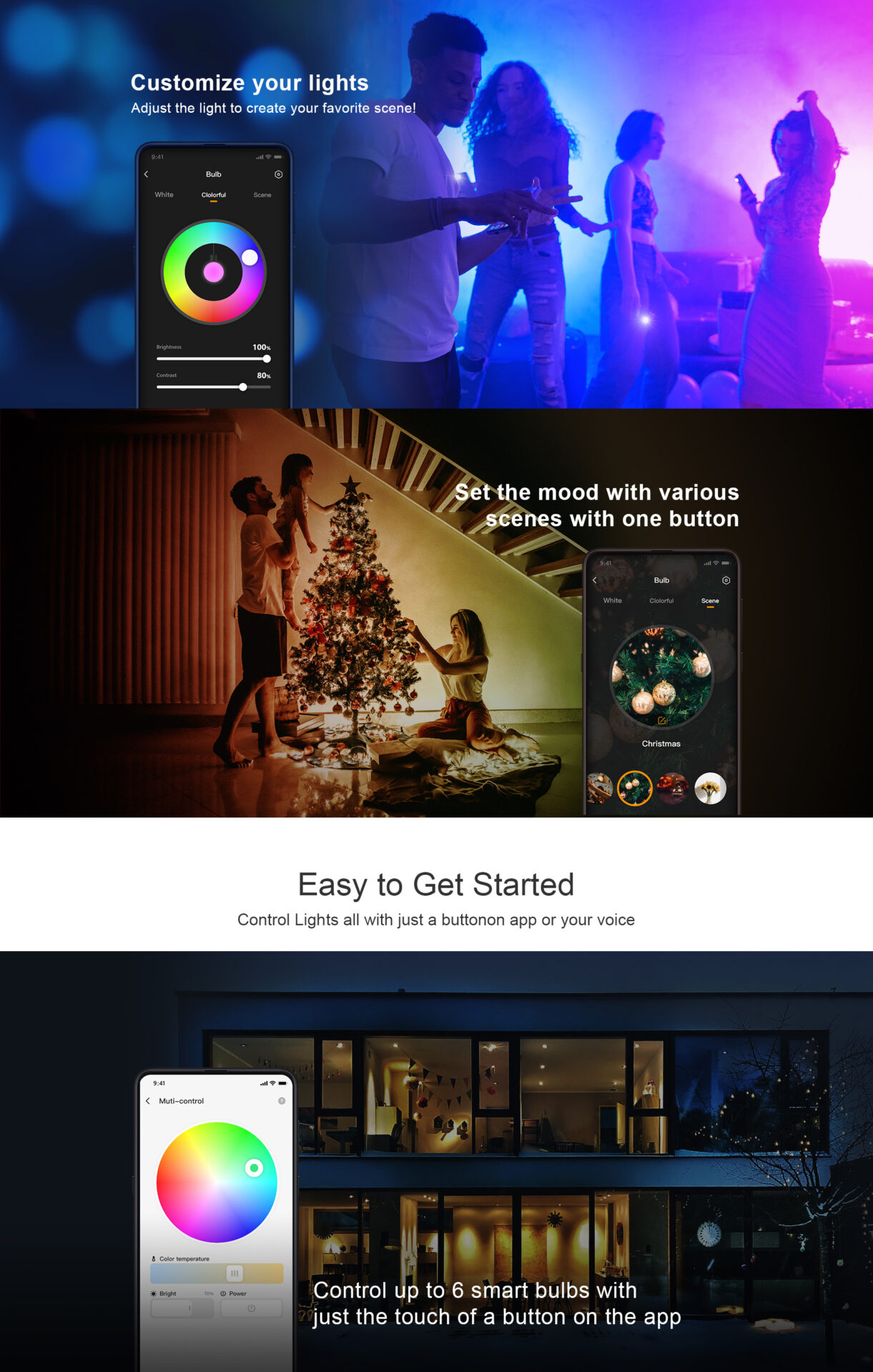
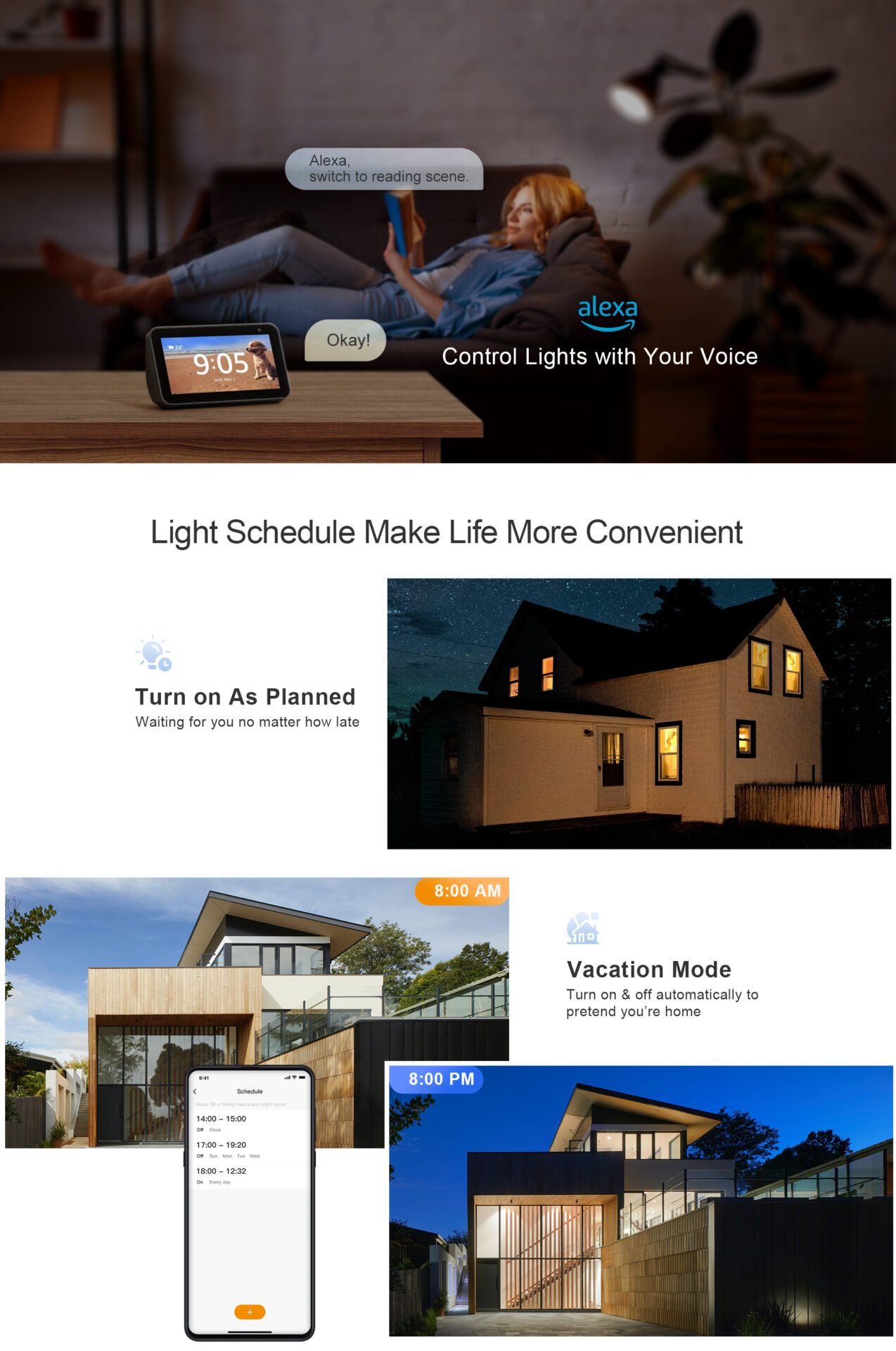
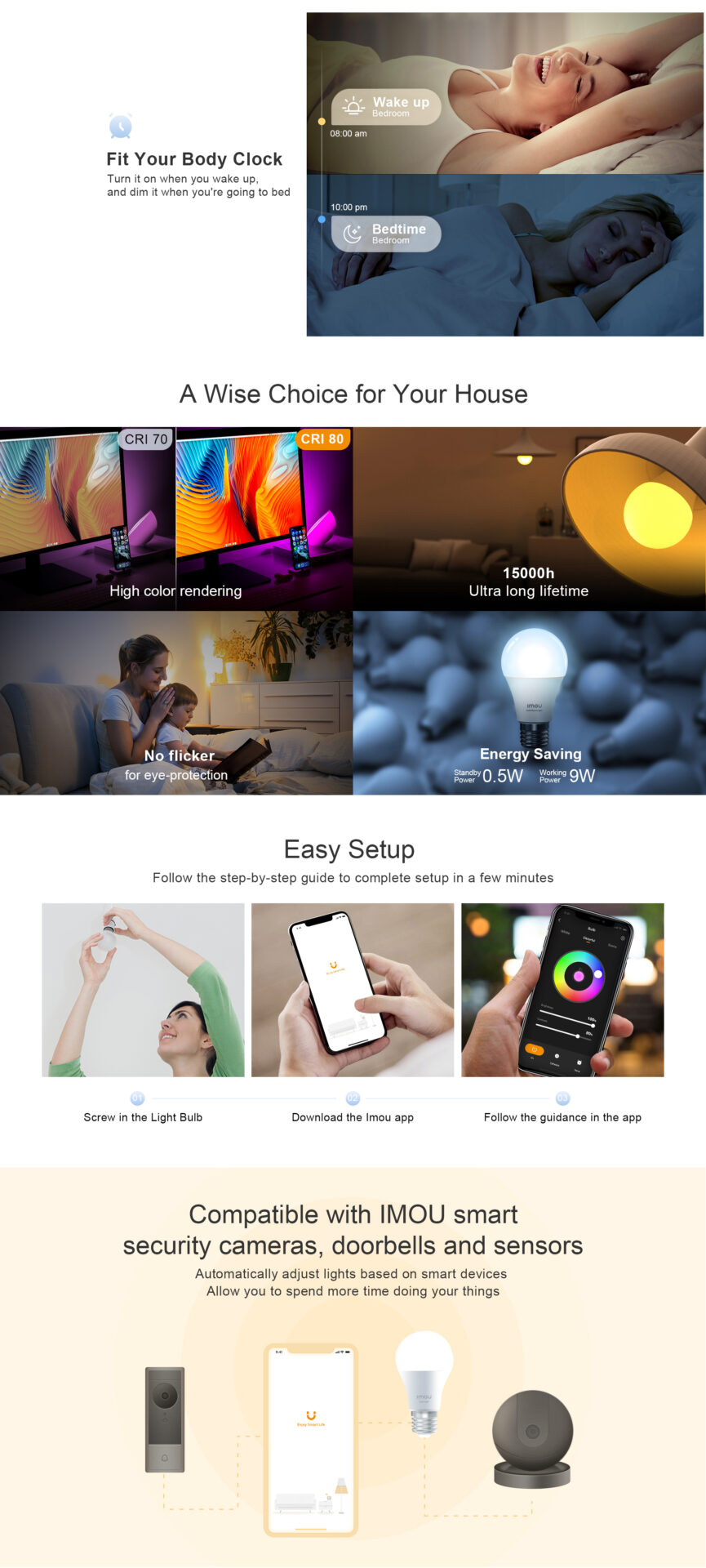
Imou Smart multi colour bulb
How to reset imou light bulb? To reset an Imou smart light bulb (such as the B5 model), rapidly turn the light switch on and off five consecutive times. Wait for the bulb to flash or flicker, indicating it has successfully reset and is ready for re-pairing via the Imou Life app.
How do multicolor light bulbs work? Multicolor LED light bulbs use a combination of red, green, and blue (RGB) diodes packed into a single unit, controlled by a tiny microcontroller. By adjusting the brightness of each diode using a method called pulse-width modulation, the bulb mixes these three colors at different intensities to create millions of colors, including white.
How do I turn off the Imou light?
Methods for Turning Off Imou Lights:
- Via the Imou Life App (Live View): Open the live view of your camera in the app and click the light symbol at the bottom right to turn off the spotlight or light.
- Via Settings (Status LED): Go to the camera settings (cog icon) > “More” > Toggle “Status LED” to off.
- Night Vision Adjustment: If the spotlight is on due to night vision, go to settings and change the night vision mode to “Off” or “Infrared” to disable the white spotlights.
- Physical Switch (Some Models): Some cameras have a dedicated physical LED switch near the, which can be slid to the “OFF” position.

There are no reviews yet.