


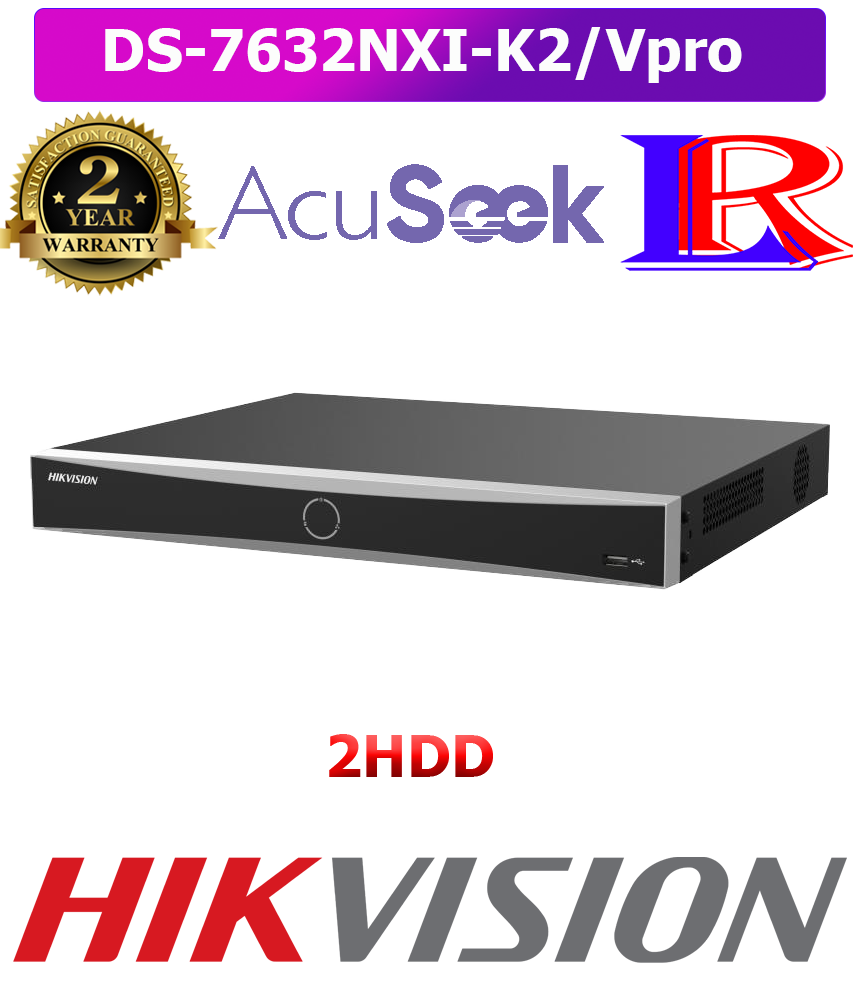
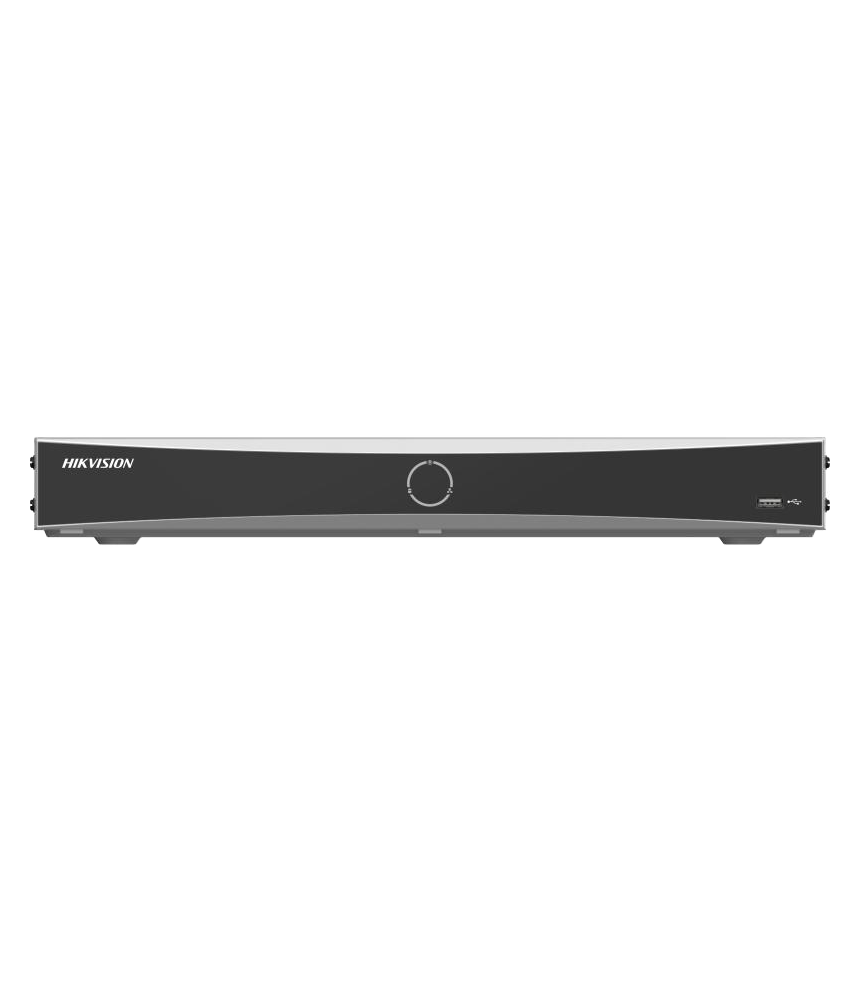
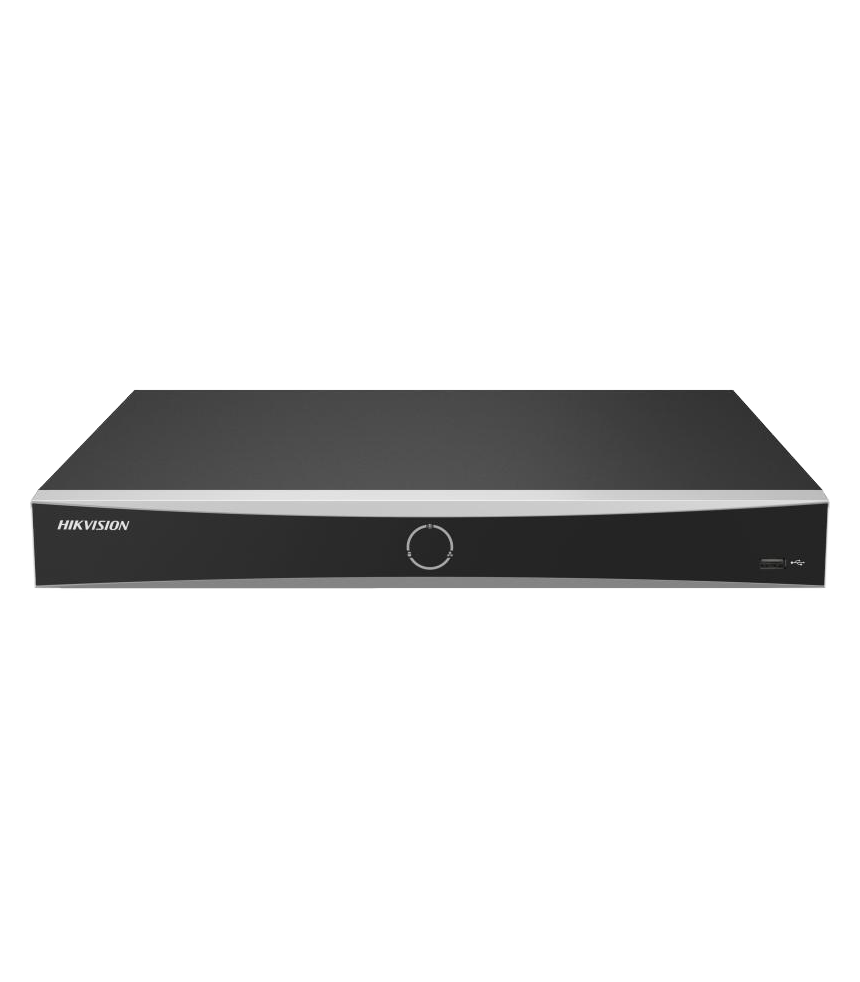
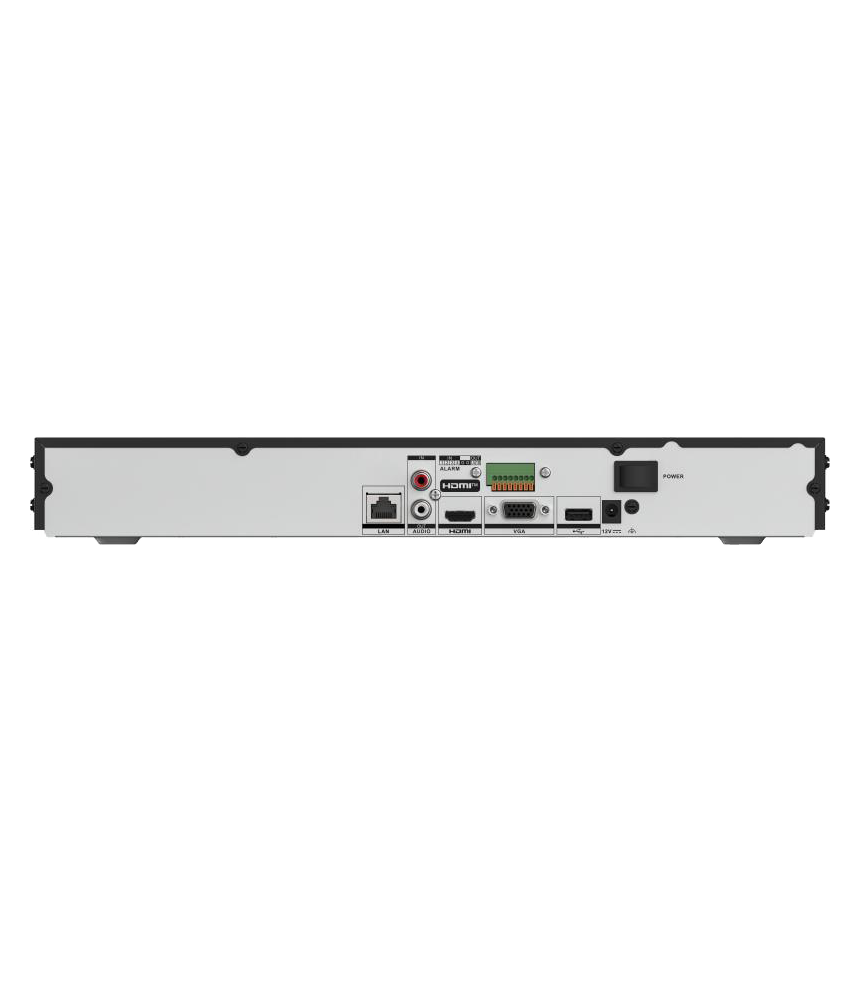
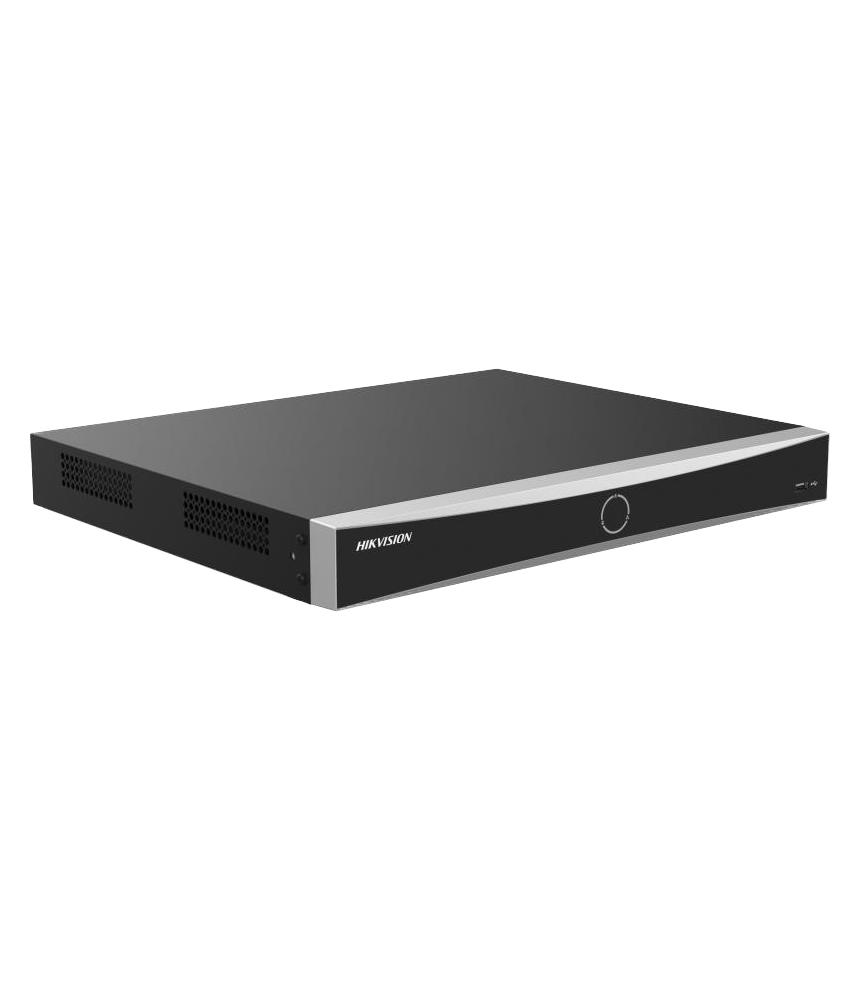


32channel Hikvision AcuSeek and AcuSearch function NVR DS-7632NXI-K2/Vpro
| n Specification | |
| Intelligent Analytics | |
| AI by NVR | Facial recognition, perimeter protection, motion detection 2.0, AcuSearch, AcuSeek |
| AI by NVR and Camera | Facial recognition, perimeter protection, motion detection2.0, ANPR, VCA |
| Facial Recognition | |
| Facial Detection and Analytics | Face picture comparison, human face capture, face picture search |
| Face Picture Library | Up to 16 face picture libraries, with up to 50,000 face pictures in total (each picture ≤ 1 MB, total capacity ≤ 800 MB) |
| Face Picture Comparison | 8-ch |
| Facial Detection and Analytics Performance | Up to 4 MP: 2-ch; 5 MP to 8 MP: 1-ch |
| AcuSearch | |
| By Camera | All channels *: The camera should enable AcuSearch function |
| AcuSeek | |
| Performance | If the cameras support Hikvision AcuSense Technology and have enabled AcuSearch function, the NVR supports AcuSeek in all channels, capable of modeling 50,000 targets/day. |
| Search Language | English |
| Motion Detection 2.0 | |
| By NVR | All channels, up to 4 MP (when enhanced SVC mode is enabled, up to 8 MP) video analysis for human and vehicle recognition to reduce false alarm |
| By Camera | All channels |
| Perimeter Protection | |
| By NVR | Video analysis (HD network camera, H.264/H.265) for human and vehicle recognition to reduce false alarm. Up to 4 MP: 2-ch; 5 MP to 8 MP: 1-ch |
| By Camera | All channels |
| Video and Audio | |
| IP Video Input | 32-ch |
| Incoming Bandwidth | 256 Mbps |
| Outgoing Bandwidth | 100 Mbps |
| IP Speaker Input | 4-ch |
| Video Output Mode | HDMI/VGA independent output |
| HDMI Output | 4K(3840×2160)/30Hz,2K(2560×1440)/60Hz,1080P(1920×1080)/60Hz,UXGA (1600×1200)/60Hz,SXGA(1280×1024)/60Hz,720P(1280×720)/60Hz |
| VGA Output | 1080P(1920×1080)/60Hz,UXGA(1600×1200)/60Hz,SX GA(1280×1024)/60Hz, 720P(1280×720)/60Hz |
| Audio Input | Two-Way Audio 1-ch, RCA (2.0 Vp-p, 1 KΩ, using the audio input) |
| Audio Output | 1-ch, RCA (Linear, 1 KΩ) |
| Decoding | |
| Decoding Format | H.265, H.265+, H.264, H264+ |
| Recording Resolution | 12 MP/8 MP/6 MP/5 MP/4 MP/3 MP/1080P/UXGA/720P/VGA/4CIF/DCIF/2CIF/CIF/QCIF |
| Synchronous playback | 16-ch |
| Decoding Capability | AI on: 12-ch@1080p (30 fps) AI off: 24-ch@1080p (30 fps) |
| Stream Type | Video, Video & Audio |
| Audio Compression | G.711ulaw/G.711alaw/G.722/G.726/AAC/MP2L2 |
| Network | |
| Network Interface | 1 RJ-45 10/100/1000 Mbps self-adaptive Ethernet interfaces |
| Network Protocol | TCP/IP, DHCP, IPv4, IPv6, DNS, DDNS, NTP, RTSP, SADP, SMTP, SNMP, NFS, iSCSI, ISUP, UPnP™, HTTP, HTTPS |
| Remote Connection | 128 |
| Auxiliary Interface | |
| SATA | 2 SATA interfaces |
| Capacity | Up to 16 TB capacity for each HDD |
| Alarm In/Out | 4/1 |
| USB Interface | Front panel: 1 × USB 2.0; Rear panel: 1 × USB 2.0 |
| General | |
| GUI Language | English,Russian,Bulgarian,Hungarian,Greek,German,Italian,Czech,Slovakia,French,Polis h,Dutch,Portuguese,Spanish,Romanian,Turkish,Japanese,Danish,Swedish,Norwegian,Fi nnish,Korean,TraChinese,Thai,Estonia,Vietnamese,Croatian,Slovenian,Serbian,Latvian, Lithuanian,Uzbek,Kazak,Arabic,Hebrew,Ukrainian,Indonesian |
| Power Supply | 12 VDC, 3.33 A |
| Consumption | ≤ 15 W (without HDD) |
| Working Temperature | -10 °C to 55 °C (14 °F to 131 °F) |
| Working Humidity | 10 to 90 % |
| Dimension (W × D × H) | 384 mm × 317 mm × 52 mm (15.1 × 12.5 × 2.0 inch) |
| Weight | ≤ 3 kg (without HDD, 4.0 lb.) |
| Certification | |
| Obtained Certification | CE,CB,REACH,WEEE,UKCA,RCM,IC |
| CE | EN 55032: 2015, EN 61000-3-2, EN 61000-3-3, EN 50130-4, EN 55035: 2017 |
hikvision nvr price
nvr camera 32 hikvision
acusense ds 7600 series
acusense ds7600 series
How many cameras can be connected to 32 channel NVR? 32 IP cameras
How do you use AcuSearch in Hikvision?
- Enable Feature: Log in to your IP camera via a web browser, go to Configuration > VCA > Set Application > General Settings and activate AcuSearch.
- Access in Playback: Navigate to the playback menu on your NVR or web interface.
- Locate Target: Find a video clip showing a person or vehicle.
- Run Search: Click the AcuSearch icon (a detection box/magnifying glass) on the screen to initiate the search.
- View Results: The system will display all clips containing that specific target.


There are no reviews yet.