


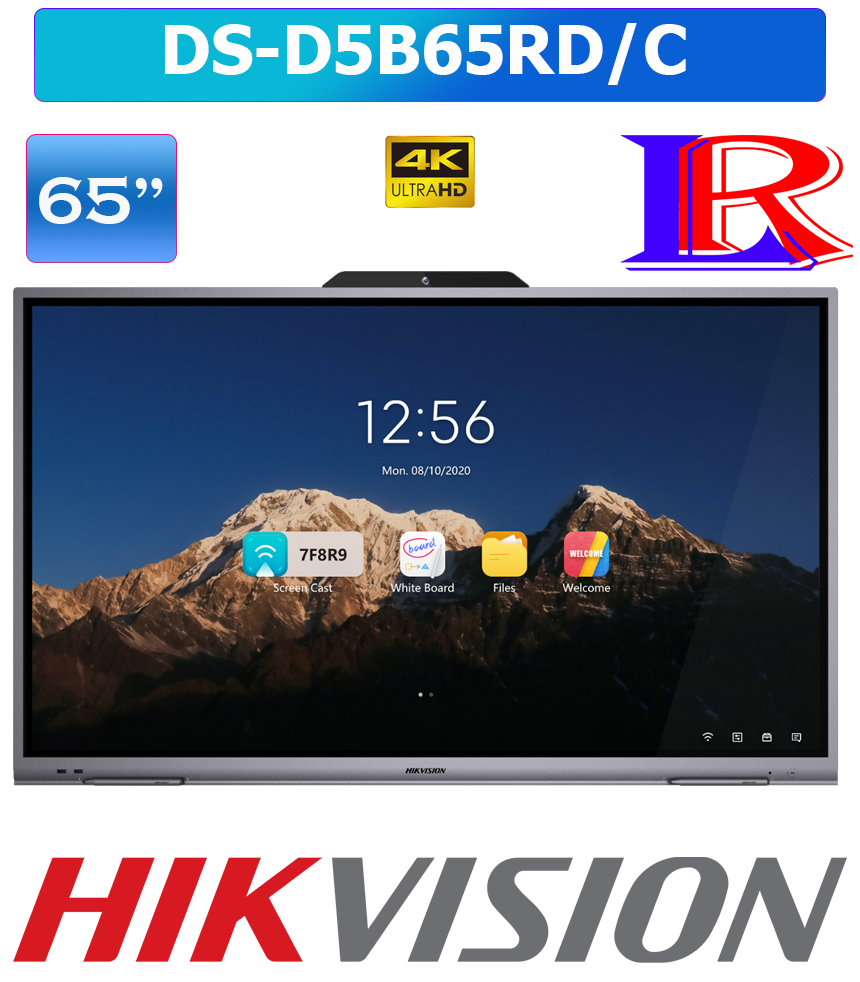
Hikvision 65-Inch 4K smart board android 14 interactive panel DS-D5B65RD/C
| Specification | |
| Product Model | |
| Product Model | DS-D5B65RD/C |
| Display | |
| Screen Size | 65 inch |
| Backlight | DLED |
| Resolution | 3840 × 2160 @60 Hz |
| Brightness | 325 cd/m² (Typ.) |
| Color Depth | 10 bit |
| Response Time | 8 ms |
| Panel Type | VA |
| Contrast Ratio | 5000:1 (Static) |
| Color Gamut | 72% NTSC (CIE1931) (Typ.) |
| Refresh Rate | 60 Hz |
| Viewing Angle | 178°(H)/178°(V) |
| Aspect Ratio | 16:9 |
| Surface Glass | 4 mm Anti-Glare Glass |
| Life Span | 50000 hrs |
| Touch | |
| Type | Infrared Touch Screen |
| Touch Point | 40-point multi-touch |
| Touch Response Time | < 5 ms |
| Minimum Touch Object | ≥ 2 mm (≥ 90% touching area) |
| Touch Precision | ± 1 mm (≥ 90% touching area) |
| Touch Resolution | 32767 × 32767 |
| Built-in System | |
| Operation System | Android 14.0 |
| Memory | 8 GB |
| Built-in Storage | 128 GB |
| Internal Function | |
| Loudspeaker | Built-in 2 × 16 W |
| Bluetooth | Built-in BLE (Bluetooth Low Energy) module supports Bluetooth 5.0 |
| Interface | |
| Video & Audio Input | HDMI In× 2, VGA In x1, Audio In × 1 |
| Video & Audio Output | Audio Out × 1 |
| Control Interface | TOUCH-USB× 1, RS232 × 1 |
| Network Interface | LAN (100 Mbps) × 1 WIFI AP&Station,2.4G/5G IEEE 802.11 a/b/g/n/ac |
| Data Transmission Interface | USB 3.0 × 3, USB 2.0 × 1 |
| Power | |
| Power Supply | 100 to 240 VAC, 50/60 Hz |
| Standby Consumption | ≤ 0.5 W |
| Max. Consumption | 350 W |
| General | |
| Product Dimensions | 1484.6×903.08×87.2mm |
| Package Dimensions (W × H × D) | 1630×220×1050mm |
| VESA | 500 mm × 400 mm |
| Net Weight | 41.2±1KG |
| Gross Weight | 48.2±1KG |
| Working Environment | |
| Working Temperature | 0 °C to 40 °C (32 °F to 104°F) |
| Working Humidity | 10%~90% RH |
65inch 4k interactive display
Samsung smart board 65 inch price in sri lanka
Smart Board 65 inch Price in sri lanka
hikvision dsd5b65rdc 65inch 4k
What is the purpose of Smart board?
A smart board is an interactive, touch-sensitive whiteboard that connects to a computer and projector to display, manipulate, and annotate digital content, transforming passive instruction into an engaging, collaborative experience. It facilitates active learning in classrooms and teamwork in business settings by enabling hands-on interaction with multimedia, software apps, and internet resources.
Key Purposes and Uses of Smart Boards:
- Enhanced Interactivity: Allows users to use fingers or pens to move objects, write notes, and manipulate images, similar to a large tablet.
- Collaborative Learning/Work: Supports multi-touch technology, allowing multiple students or team members to interact simultaneously on the same screen.
- Multimedia Integration: Enhances presentations by incorporating video, audio, and interactive websites to make lessons or meetings more dynamic.
- Time-Saving Efficiency: Features allow for instant saving of notes, digital brainstorming, and direct access to online resources, reducing manual, repetitive writing.
- Improved Engagement: Boosts attention spans through interactive games, virtual tools (like rulers), and engaging visual content.
- Accessibility & Flexibility: Supports diverse learning styles and offers features like screen sharing, which is crucial for hybrid or remote collaboration.